
Creators and coaches
You make training content people trust. Tell us your platforms, your audience and how you disclose partnerships.
Tell us about youCookies & privacyYour privacy choices
We use essential cookies to run this site. Analytics, personalization and advertising cookies stay off unless you accept them. Privacy Policy
We use cookies for site features, analytics, personalization and advertising. Some US state laws call this “selling” or “sharing” personal data. Choose Reject to opt out, now or any time. Privacy Policy
Partners
Creators, coaches, gyms and retailers: we're lining up launch partners now. Tell us about your audience or your store.

Who we're looking for
You make training content people trust. Tell us your platforms, your audience and how you disclose partnerships.
Tell us about you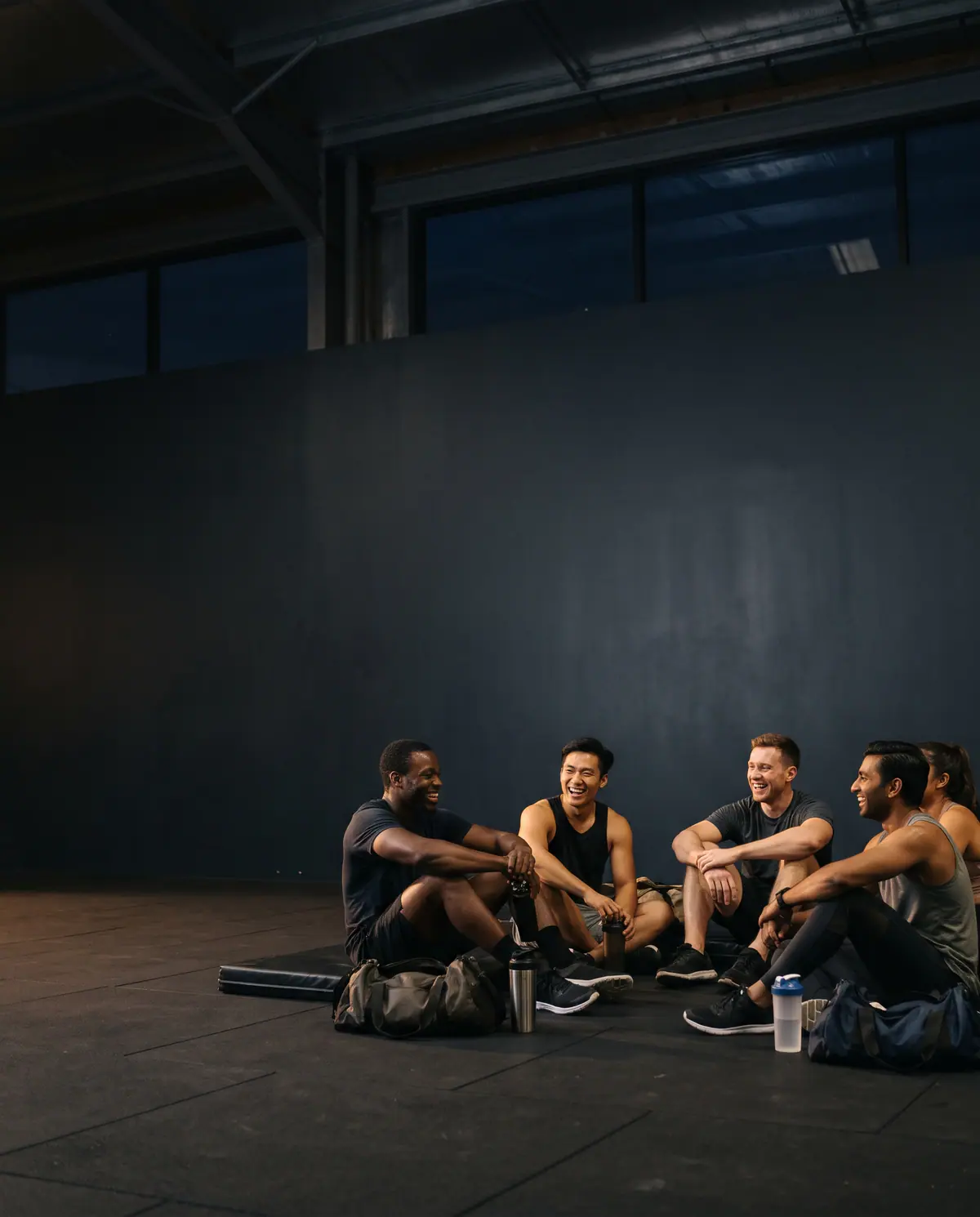
Boxes, academies, run clubs, studios. Tell us about your members and how you'd like Zenkai Boost in your space.
Tell us about your gym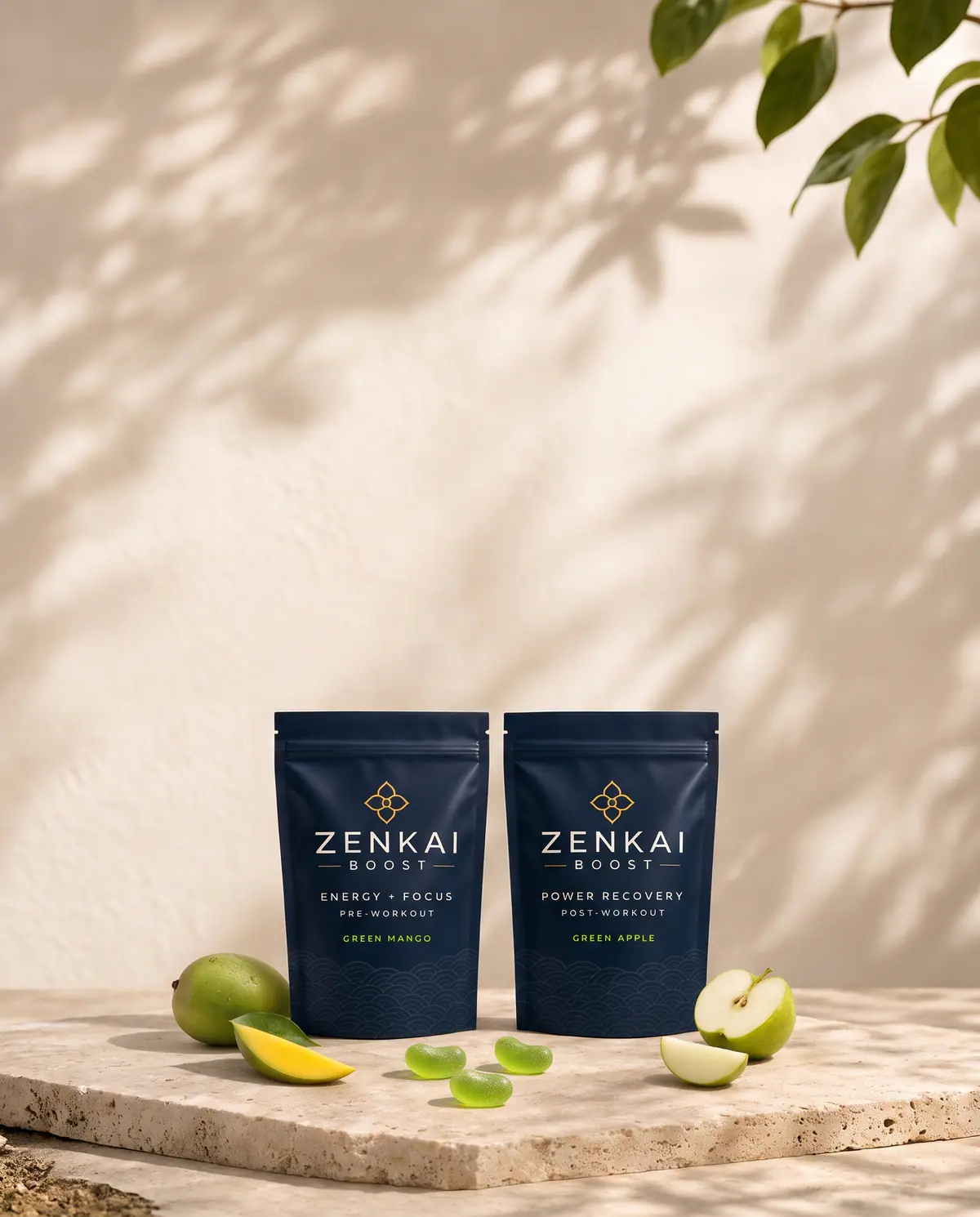
Nutrition shops, gyms with a counter, online stores. Tell us about your store, your customers and how you buy.
Tell us about your storeHow it works
Use the contact form and choose Creator partnership or Retail partnership (gyms: either is fine).
1Say hello
Your audience, your members or your store, and what a great partnership looks like to you.
2Talk launch
We'll talk timing, content and how Zenkai Boost fits your people.
3Get the details
Partnership terms and wholesale details are shared directly as launch approaches. Nothing is agreed until it's in writing.